
Advertisements
Last Tuesday, I counted forty-seven spam calls on my phone. Forty-seven! I was trying to help my daughter with her homework when the seventeenth “extended car warranty” call came through, and I honestly almost threw my phone out the window. That’s when I knew something had to change.
If you’re anything like me, you’ve probably wondered why these robocallers seem to have your number on speed dial. The good news is that there’s actually quite a bit you can do about it. Let me walk you through what’s worked for me—and what’s been a total waste of time.
Understanding Why You’re Getting So Many Spam Calls
Here’s the thing nobody told me for years: your phone number is probably floating around on dozens of databases right now. Every time you enter your number on a website, sign up for a rewards program, or even just exist, it can end up in the hands of telemarketers. Pretty annoying, right?
The FTC reported that Americans received an estimated 50 billion robocalls in 2023 alone. That’s not a typo—billion with a B. These scammers use auto-dialers that can make thousands of calls per minute, which explains why they never seem to give up.
The Do Not Call Registry: Does It Actually Work?
I’ll be honest with you—I registered my number on the National Do Not Call Registry back in 2019 and still got bombarded. However, it’s worth doing because it does stop legitimate telemarketers. The problem is that scammers don’t exactly follow the rules, ya know?
Registration is free and takes about two minutes. Your number stays on the list permanently unless you remove it. It won’t stop all calls, but it’s a decent first line of defense against legal telemarketing operations.
Using Your Phone’s Built-In Spam Blocking Features
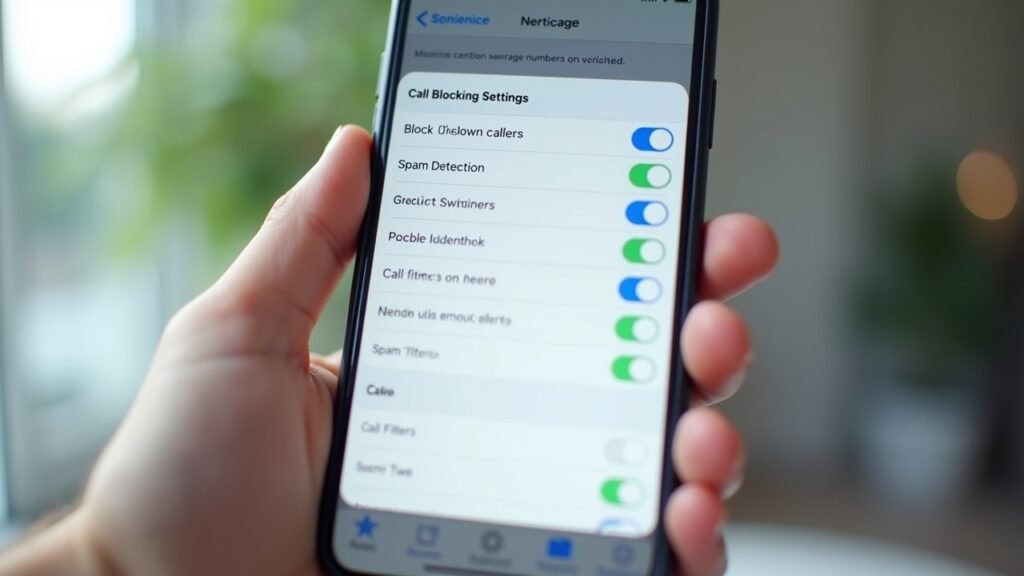
This was a game-changer for me, and I felt kinda silly for not discovering it sooner. Both iPhone and Android phones have native call filtering options that work surprisingly well.
On iPhone, go to Settings > Phone > Silence Unknown Callers. This sends calls from numbers not in your contacts straight to voicemail. Android users can open the Phone app, tap the three dots, go to Settings, and enable Caller ID & spam protection. Google’s system has gotten pretty smart about identifying suspicious numbers.
I was nervous about missing important calls at first. But honestly? If someone legitimate calls and I don’t answer, they’ll leave a message or text me.
Third-Party Apps That Actually Help
After testing like six different apps, I’ve settled on a few that genuinely make a difference. Nomorobo was one of the first I tried, and it blocks known robocallers automatically. There’s also Truecaller and Hiya, which both maintain massive databases of spam numbers.
Some of these apps have free versions, though the premium features usually give you better protection. I ended up paying for the upgraded version of one—best five bucks a month I spend, honestly.
Carrier-Level Solutions You Might Be Missing
What I didn’t realize is that most major carriers offer free spam blocking services now. T-Mobile has Scam Shield, AT&T offers Call Protect, and Verizon provides Call Filter. These work at the network level, which means they can catch spam before it even reaches your phone.
Call your carrier and ask what’s available. I felt dumb when I found out I’d been eligible for free protection for two years and never activated it. Don’t be like me!
For a great visual walkthrough of setting up these features, check out this helpful video:
How to Block Spam Calls on iPhone and Android – YouTube Tutorial
Taking Back Your Phone
Look, blocking spam calls isn’t a one-and-done situation. Scammers constantly change tactics, and you’ll need to stay vigilant. But combining the Do Not Call Registry, your phone’s built-in features, a good third-party app, and your carrier’s protection can seriously reduce those annoying interruptions.
My call count went from forty-seven daily spam calls to maybe three or four. That’s a win in my book! Remember to never engage with suspicious callers—don’t press any buttons or say “yes” to anything.
Want more tips on protecting yourself from digital annoyances and tech headaches? Head over to Fix Fable for more practical guides that’ll help you reclaim your sanity!