
Advertisements
So there I was, standing in my kitchen at 11 PM, desperately wiggling my charging cable like it owed me money. My phone was at 3%, and nothing was working. I honestly thought my phone was done for!
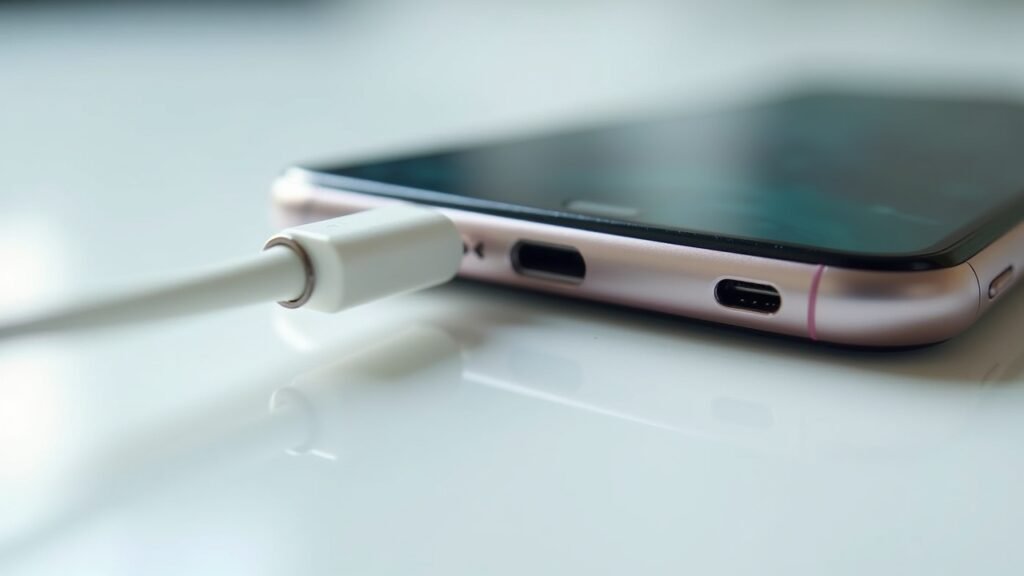
Turns out, the culprit wasn’t a broken phone or a faulty cable. It was just pocket lint. Yep, that tiny accumulation of fuzz and debris had been slowly building up in my charging port for months. Once I figured out how to clean phone charging port properly, I felt like I’d discovered some kind of life hack that nobody ever told me about.
Why Your Charging Port Gets So Gunky
Here’s the thing most people don’t realize. Every time you slide your phone into your pocket or bag, tiny particles of dust, lint, and debris sneak into that little port. It’s basically a magnet for crud. Over time, this buildup compresses against the connector pins, making it harder for your cable to make proper contact.
I learned this the hard way after spending $40 on new cables thinking mine were broken. Spoiler alert: they were perfectly fine. The problem was literally just dirt clogging things up.
Signs Your Charging Port Needs Cleaning
- Your cable keeps falling out or feels loose
- You have to hold the cable at a weird angle to charge
- Charging is slow or intermittent
- Your phone shows “charging” then stops randomly
If any of these sound familiar, don’t panic! You probably don’t need a repair or a new phone. You just need to clean that port out.
What You’ll Need to Clean Your Phone Charging Port
Before you go sticking random objects into your phone (please don’t), let me share what actually works safely. I’ve tried a bunch of methods, and some were definitely mistakes.
- A wooden or plastic toothpick
- Compressed air can (like this one from Amazon)
- A soft-bristled brush (old toothbrush works great)
- Flashlight or phone light for visibility
Whatever you do, avoid metal objects like paperclips or safety pins. I made that mistake once and scratched the internal contacts. Not fun, and definitely not recommended by Apple’s official cleaning guidelines.
The Step-by-Step Cleaning Process
Alright, let’s get into the actual cleaning. This process takes maybe five minutes tops, and it’s genuinely satisfying when you see how much gunk comes out.
Step 1: Power Off Your Phone
Safety first, folks! Turn off your device completely before you start poking around in there. This prevents any accidental short circuits or damage to the charging components.
Step 2: Use Compressed Air First
Hold the can upright and give a few short bursts into the port. Don’t go crazy with it though. Keep the nozzle about an inch away and use quick, controlled sprays. This loosens up surface debris without pushing it deeper.
Step 3: Gently Scrape with a Toothpick
Shine a light into the port so you can see what you’re dealing with. Then, using a wooden toothpick, carefully scrape along the sides and bottom of the port. Go slow and be gentle—you’re not trying to dig a hole to China here.
I was honestly shocked the first time I did this. Little fuzzy chunks just started coming out, and I couldn’t believe how much had accumulated in there.
Step 4: Brush Away Remaining Debris
Use your soft-bristled brush to sweep out any loosened particles. A few more bursts of compressed air helps too. Repeat the process until no more debris comes out.
For a visual walkthrough, this YouTube tutorial is super helpful:
Check out this video from Phone Repair Guru that shows the exact technique I use.
What NOT to Do
Learn from my mistakes, seriously. Don’t use rubbing alcohol directly in the port—it can damage internal components if it seeps in. Don’t blow into it with your mouth because saliva and moisture are the enemy. And absolutely never use anything metal.
Also, don’t be too aggressive. The contacts inside are delicate, and being too forceful can bend or break them permanently.
Keep Your Port Clean Going Forward
Now that you’ve got a fresh, clean charging port, let’s keep it that way! I started using a small dust plug when my phone’s in my pocket, and it’s been a game changer. You can find cheap dust plugs on Amazon that work perfectly.
Getting into the habit of cleaning your port every few months prevents major buildup. Think of it like brushing your teeth but for your phone. Okay, that analogy might be a stretch, but you get the idea!
There you have it—everything I’ve learned about keeping that little port clean and functional. A few minutes of maintenance can save you from buying unnecessary cables or thinking your phone needs repairs. If this helped you out, definitely check out more tech tips and tricks over at Fix Fable. We’ve got tons of practical guides to keep your devices running smoothly!